📊 Dashboard
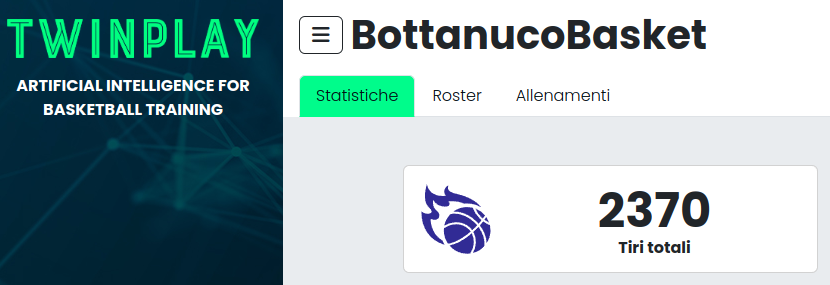
From your dashboard you can view:
- Statistics for all players and all training sessions
- Detailed data per session and per player
- All training videos, including:
- Automatic highlights 🎥
- Player-specific videos 🏀
- Augmented reality videos 🔥
📈 Statistics
🏀 Individual Statistics
- Shooting percentages
- Number of shots attempted, made, and missed
- Shot zone heatmaps 📍
- Streaks of successful shots 📊
- Time-based performance analysis ⏳
📢 Team Statistics
- Internal player rankings 🏆
- Comparison between training sessions 📊
- Seasonal performance trends 📅
🚀 Advanced Statistics
Thanks to TwinPlay technology, you can access advanced metrics to enhance performance analysis:
- ⏱ Release time: How quickly a player shoots after receiving the ball
- 🎯 Entry angle: The angle at which the ball enters the basket
- 🔄 Shooting consistency: How steady the player is throughout the session
- 🎯 Most common errors: Detect whether the player tends to miss short, long, flat, or with too much arc — to improve shooting technique
These insights allow coaches to identify and correct shooting flaws, and help players improve their effectiveness on the court.
📌 Roster
Manage registered players, add new ones, and view personal data and statistics:
- Select a player to view detailed stats and data
- Edit personal information and upload a profile photo
🎥 Trainings and Videos
Review and analyze each training session in detail:
- Select a training session to view data and videos
- Watch session highlights and player videos
- Download and share videos on social media
🎯 If you post content, tag @TwinPlay.ai!
We’ll be happy to reshare the best clips on our page! 🚀
❓ Frequently Asked Questions (FAQ)
❔ What if I can't see my videos?
- Videos are not immediately available — processing time is required before they appear.
- Did you tag the session with the players who participated?
- Did the camera complete the upload and turn off correctly at the end of the session?
- Contact us if the videos are still missing after 24 hours.
💡 Tip: After each session, check the statistics to identify areas of improvement and optimize future trainings. 🚀
Thanks for using TwinPlay!
If you have suggestions or want to share your experience, reach out or tag us on social media!